Laser Cutters in the Library
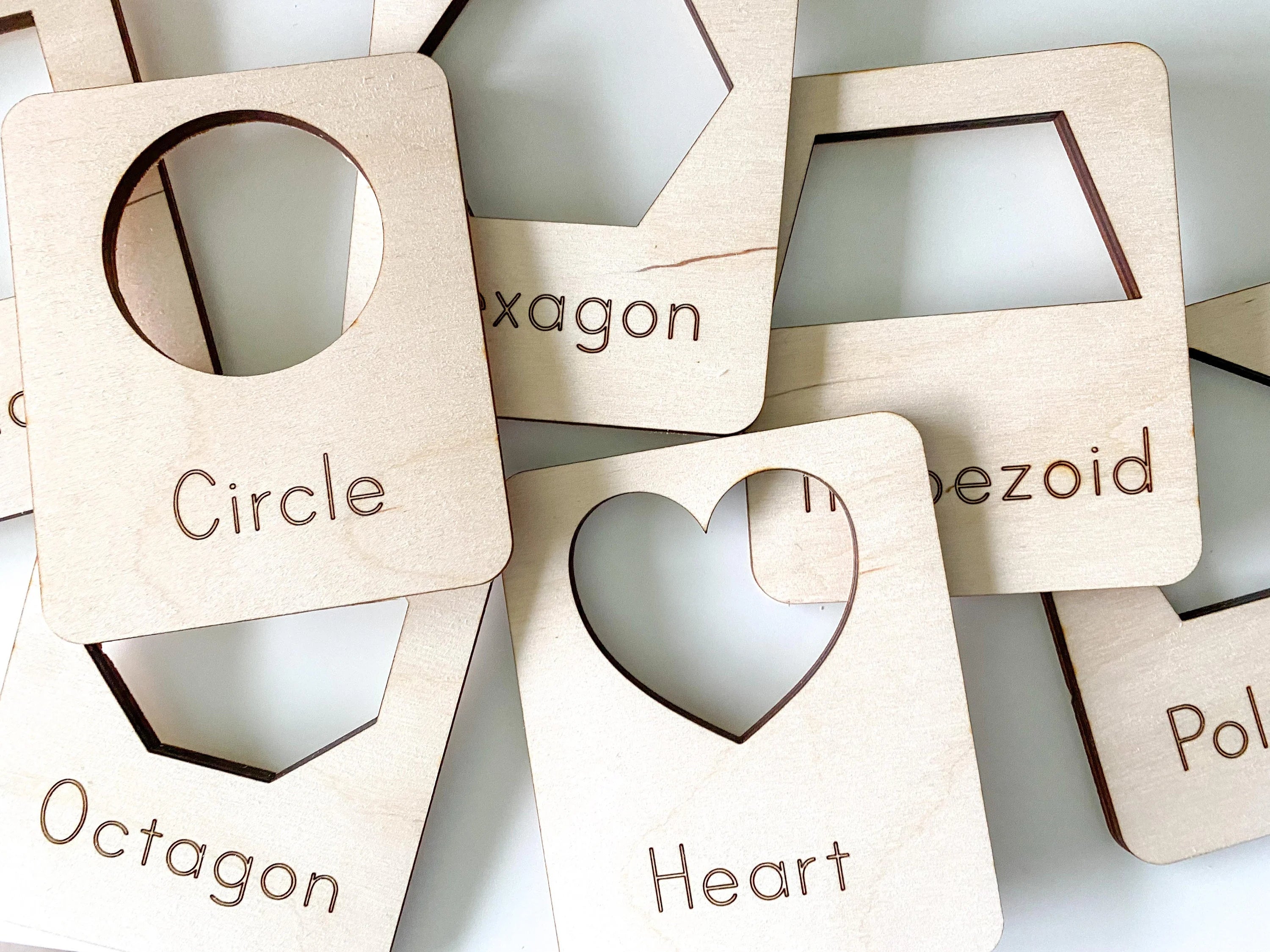
Laser cutters are newer pieces of technology that have begun to gain popularity in a variety of library maker spaces. Laser cutters are lasers in an enclosed workspace that can be used to cut or engrave (basically burn) a variety of materials including wood, acrylic, and sometimes even metal. Using a laser cutter, patrons can create a variety of projects and amazing products. This is different from a 3D printer because a printer outputs something larger than what it started with. A laser cutter is basically a fancy saw. It cannot make anything bigger than when it went in, instead it cuts parts away to create a design.
So let's start with the downsides first. Since they are lasers, there are some warnings that must come along with them. Laser engravers are fire hazards and must be watched while a job is being performed. Essentially, the laser is burning parts of the materials away. This could potentially lead to a fire if not monitored. Also, laser engravers put off a lot of fumes and particles (especially when working with acrylic). Because of this, they must either have a filter attached that filters out the particles or they must be vented out of a window. This limits the space where the laser cutter can be used. Another issue is that laser cutters can also take up a lot of time with project (very similar to 3D printers). Some projects take 30 seconds while others can take more than 3 hours. Some libraries combat this issue by offering checkout times and time limits like the University of Wisconsin-Madison. Project lengths depend on what the machine is doing- engraving takes longer than cutting for example. Finally, as with any new software, there is a software that has to be learned before patrons can use the machine. I would recommend offering a required class (like John Hopkins Library) before allow patrons to operate the machinery.
So why should your library get a laser-cutter? "Libraries aren't just warehouses for documents; they're places to exchange information" (Thompson, 2014). The exchange of information comes in a variety of ways- not just books. It can be an exchanging of ideas or the sparking of creativity. Anyway that we can get our students interested in learning something new, we should do it! Laser cutters are an amazingly creative way for students to explore new ideas. If you are looking for inspiration, here are a few websites with project ideas for school:
26 Best Laser Cutter Projects from Makeblock - I recommend checking this one out!
Here's a fun video that shows a library creating a book display stand!
References
Thompson, C. (2014). Why your library may soon have laser cutters and 3D printers. Retrieved on 2024, July 16 from https://www.wired.com/2014/09/makerspace/.


Emily,
ReplyDeleteThank you so much for sharing the laser cutter with us. I had no idea that it might be something housed in the library. I am at an elementary school, so it would probably not be suitable for my students. I do know that I have seen them at some high schools. I appreciate you telling us about the negatives as well as the positives. It makes it easier when you can know about the pros and cons before purchasing. Great post!
Hi Emily, Wow these laser cutters are so cool! I had no idea what they could do. I love this for sparking creativity. Thanks for clarifying the difference between the 3D printer and the laser cutter. I will check out the teacher resources you posted. Thank you for your insight this week!
ReplyDeleteThis comment has been removed by the author.
ReplyDeleteHi Emily, I appreciate how detailed you were in your description of not only the benefits, but also the challenges that a laser cutter might pose. It helps to consider both sides when deciding if a laser cutter is right for a maker space/library. I also love the resources you included. There are so many projects you can do with a laser cutter! Thank you for discussing the laser cutter and providing us with this information. (I removed a previous comment to fix a typo)
ReplyDeleteHi Emily! I never thought of having a laser printer in the library. What a great idea. When I started reading your post, I was thinking "How is this different from a 3D printer?" and a few sentences later, you must have been reading my mind, because you answered that question! I could definitely see this in middle and high school libraries, but I also wonder if many schools have wood working elective courses that may use something like this too. I especially loved your quote about libraries being a place to exchange ideas. I will save that quote! Great job.
ReplyDelete